

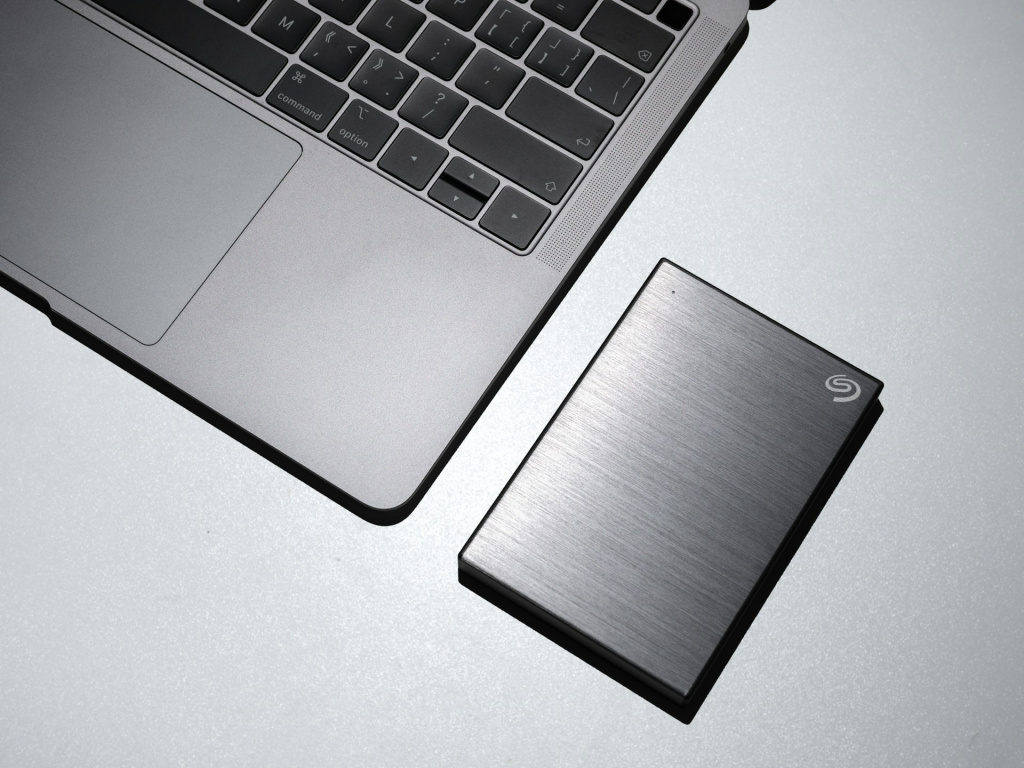
Choosing between a solid-state drive (SSD) and a hard disk drive (HDD) isn’t just about speed and storage capacity—it’s also about security. If you store sensitive data, whether personal files or business documents, understanding how each type of drive protects (or fails to protect) your information is crucial.
Both SSDs and HDDs have strengths and weaknesses when it comes to security. From physical durability to data recovery and encryption, let’s break down how each drive stacks up.
Which Drive is More Physically Durable?
One of the biggest differences between SSDs and HDDs is how they’re built.
HDDs rely on moving parts—spinning magnetic disks, a read/write head, and an actuator arm. This means they are vulnerable to physical damage. A drop, a sudden impact, or even excessive vibration can lead to a head crash, making data recovery difficult or impossible.
SSDs, on the other hand, have no moving parts. They use flash memory to store data, meaning they are far more resistant to shocks, drops, and general wear and tear. If you carry your laptop around or use external drives on the go, an SSD is the safer choice from a physical security standpoint.
If someone steals your laptop or external drive, an SSD is less likely to be damaged in transit, meaning your data is still retrievable—good for you, but also potentially good for the thief if you haven’t encrypted your files.
Data Loss and Corruption
All storage drives have a lifespan, and when they start failing, data loss is a real risk. However, they fail in different ways.
HDDs degrade over time because of mechanical wear. You might notice clicking sounds, slower performance, or frequent crashes before a complete failure. In some cases, data recovery is possible by taking the drive apart in a lab, but that’s expensive and not guaranteed.
SSDs don’t have mechanical parts, but they wear out due to a limited number of write cycles. Every time you save or delete data, the SSD’s memory cells degrade slightly. Modern SSDs have built-in technology to extend their lifespan, but when an SSD fails, it often does so suddenly and without warning, making data recovery much harder.
From a security perspective, SSDs are riskier when it comes to unexpected failures, while HDDs give more warning before they die. If you’re using an SSD, regular backups are essential.
Can You Get Your Files Back?
If you accidentally delete important files, how easy is it to recover them?
With an HDD, data recovery is often possible because when you delete a file, it isn’t immediately erased—the space it occupied is simply marked as “available” until it gets overwritten by new data. Specialized recovery software can often bring files back, and professional recovery services can sometimes retrieve data even from a damaged drive.
SSDs handle deletion very differently. When you delete a file on an SSD, the TRIM command often ensures that the data is erased immediately, making recovery nearly impossible. While this is good for security (permanently deleting sensitive files), it also means that accidental deletions are more final on an SSD than on an HDD.
For businesses or individuals dealing with confidential data, this is an important consideration. If you need to permanently destroy sensitive files, an SSD is the better choice. But if you want the option to recover lost data, an HDD gives you more flexibility.
Encryption and Data Protection: Which One is Safer?
If someone steals your computer or hard drive, encryption is your best defense. Both HDDs and SSDs support encryption, but SSDs often come with built-in hardware encryption, making them more secure out of the box.
Many SSDs include self-encrypting drive (SED) technology, which ensures that all stored data is encrypted automatically. This means that even if someone removes the SSD from your device and tries to access it elsewhere, they won’t be able to read your files without the proper credentials.
HDDs, on the other hand, usually rely on software-based encryption, which is still effective but can slow down performance. Software encryption also means the encryption keys are stored somewhere in the system, making them potentially more vulnerable to attacks.
For businesses or individuals handling sensitive data, an SSD with hardware encryption offers a stronger layer of protection against unauthorized access.
Securely Erasing Data
If you’re getting rid of an old drive, you want to be sure your data is completely wiped so no one else can recover it.
With HDDs, secure deletion can be tricky. Simply deleting files doesn’t remove them permanently, and even formatting the drive doesn’t always erase everything. To fully wipe an HDD, you may need to use special software to overwrite the data multiple times or physically destroy the drive.
SSDs make secure deletion easier because of how they store and erase data. Features like TRIM ensure that deleted files are truly removed, and many SSDs have a secure erase function that wipes all data permanently in seconds. This is a major advantage if you need to quickly and safely dispose of an old drive.
For anyone concerned about proper data disposal, an SSD is the better option.
The Verdict
From a security perspective, SSDs have the edge in most areas. They are:
- More durable and resistant to physical damage
- Harder to recover lost data from, which is good for security
- More likely to have built-in encryption
- Easier to securely erase when you need to dispose of them
However, HDDs still offer some advantages. They give more warning signs before failure, making it easier to back up data before losing it. They also allow better data recovery in case of accidental deletion.
If security is your top priority—whether for personal data or business files—an SSD with encryption is the best choice. But if you’re worried about long-term data storage and recovery, an HDD might be worth considering.
Regardless of which drive you choose, the most important security step is backing up your data regularly. No storage device is 100% foolproof, so keeping copies of your important files elsewhere is the best way to protect yourself from data loss.
